Planifier une session de démonstration gratuite et personnalisée
Avertissement : Les sessions de démonstration personnalisées pour les organisations de moins de 50 personnes sont soumises à approbation en fonction de la disponibilité de l'équipe. Un maximum de 10 participants est autorisé par session de démonstration.
Gestion des ressources dans Jira qui anticipe les surcharges
Découvrez Jira comme jamais auparavant. Dites adieu à la surcharge des ressources et bonjour à un processus fluide.
Essai gratuit sur la Marketplace


La confiance de 10 000+ équipes dans le monde entier


Découvrez-le en direct lors d'une démo gratuite
Jira connaît le travail. Il ne connaît pas vos collaborateurs.

La capacité est consignée dans un tableur qui n'était à jour que le lendemain de la planification du sprint — une seule fois.

Personne ne voit que l'équipe QA est à 118 % en semaine 38 avant d'atteindre la semaine 38.

« Pouvons-nous prendre cela en charge en octobre ? » nécessite trois jours et quatre responsables pour obtenir une réponse.

La planification, les feuilles de temps et le reporting nécessitent chacun une autre application, une autre licence, un autre administrateur.

ActivityTimeline comble les lacunes de Jira :
Capacité, charge de travail, plannings, congés, feuilles de temps et taux d'utilisation — synchronisés automatiquement avec vos projets, dans une seule application.
Capacité, charge de travail, plannings, congés, feuilles de temps et taux d'utilisation — synchronisés automatiquement avec vos projets, dans une seule application.
Planifiez. Suivez. Justifiez. Une seule application.
Planificateur
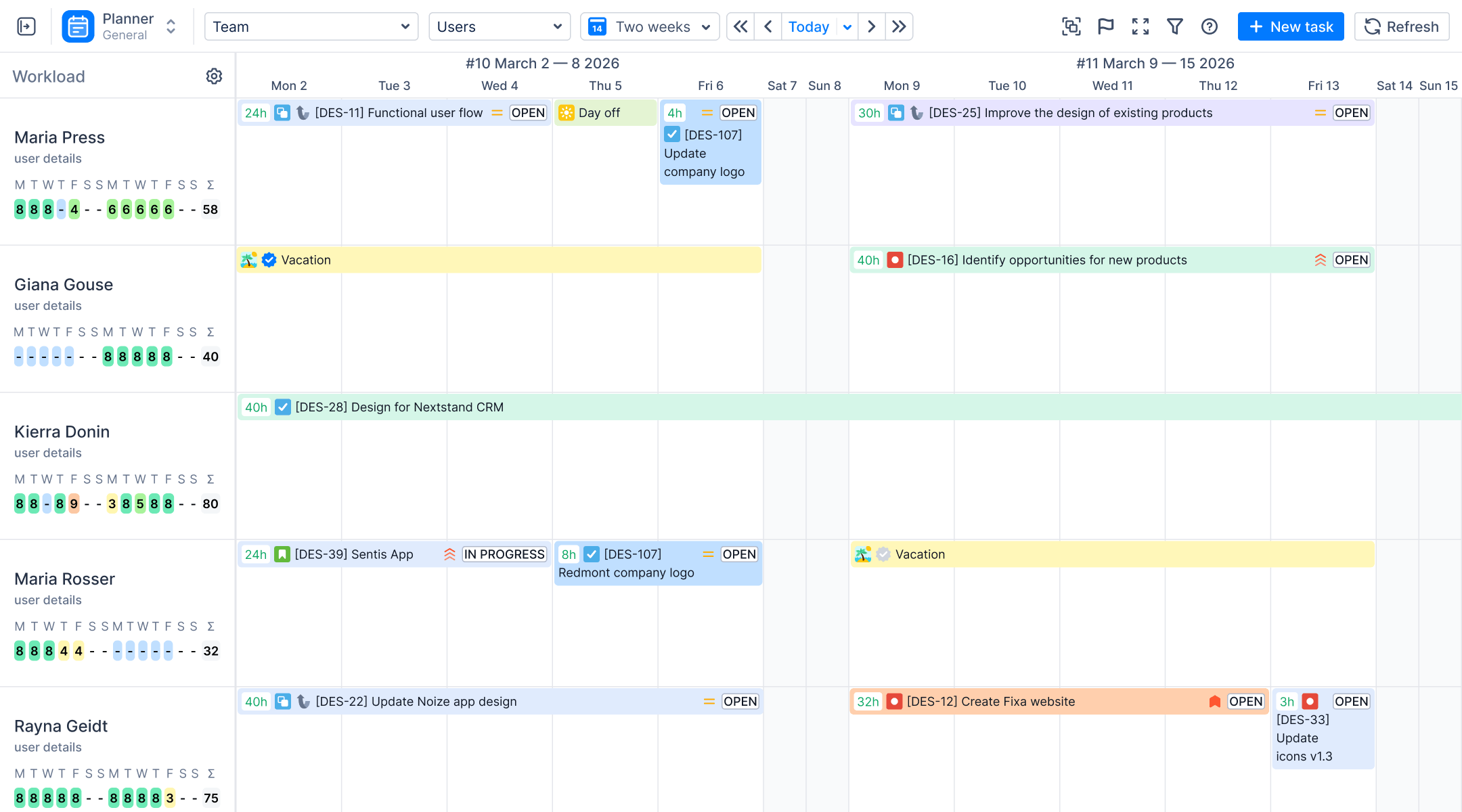
Visualisez la capacité de votre équipe avant de vous engager
Faites glisser vos tâches Jira sur une chronologie d'équipe. Des indicateurs de charge de travail par personne signalent les surcharges et les sous-charges — en tenant compte de la disponibilité réelle, congés inclus — pendant que le plan est encore à l'état de brouillon.
Espace de travail
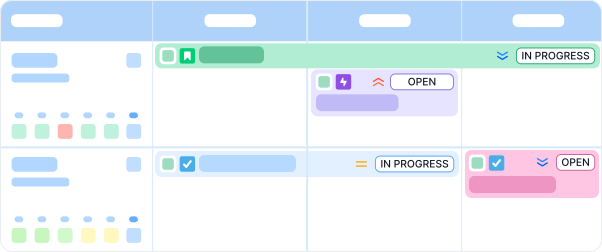
Chaque personne, son propre planning
Emplois du temps individuels, saisie des temps, demandes de congés et d'arrêts maladie — pour que les données de disponibilité restent à jour automatiquement.

Feuilles de temps
Approbations sur les données Jira
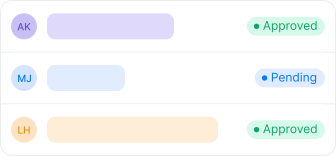
Rapports de feuilles de temps personnalisables avec flux de travail d'approbation, au niveau de l'équipe et de l'individu.
Rapports
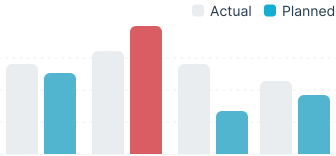
Réel vs Prévu
Les rapports d'utilisation et de disponibilité montrent où la capacité a réellement été allouée — par personne, par équipe ou par projet.
Finances • Édition Avancée
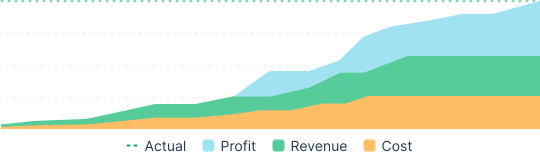
Reliez la capacité aux coûts
Planification budgétaire, suivi des coûts et impact sur les revenus à partir des mêmes données de planification — pour les PMO qui rendent des comptes à un directeur financier.
Plateforme
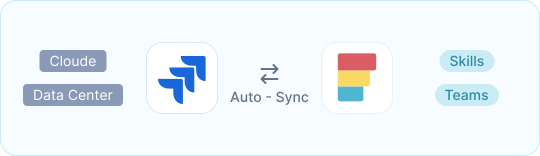
Conçu pour Jira Entreprise
Cloud et Data Center. Compétences, planification au niveau de l'équipe, événements internes, synchronisation automatique avec vos projets et flux de travail.
La plupart des alternatives vendent cela sous forme de trois applications


Planificateur de capacité
Planification des ressources
Licence 1

Feuilles de temps
Suivi du temps
Licence 2

Gestionnaire financier
Suivi des coûts de projet
Licence 3

Application unique • Édition Avancée
ActivityTimeline
Feuilles de temps et approbations
Planification budgétaire et suivi des coûts
Analyse de l'impact sur le chiffre d'affaires
Inclut la planification des capacités, une option facturée séparément par la concurrence.
4,7/5
Atlassian Marketplace
3 759
Installations sur la Marketplace
10 000+
Équipes planifiant avec AT
Double certification
SOC 2 • ISO 27001:2022
Une solution de confiance pour les environnements Jira critiques

Déploiement
Cloud et Data Center
Prise en charge complète de Jira Cloud et Jira Data Center, y compris pour les environnements réglementés nécessitant de maintenir Jira derrière un pare-feu.

Sécurité
Prêt pour l'audit
Certifié SOC 2, certifié ISO 27001:2022 et Cloud Fortified sur l'Atlassian Marketplace.

Partenariat
Bien plus qu'un simple plugin
Partenaire Platinum Marketplace proposant des services professionnels pour le déploiement, la migration et la configuration à grande échelle.
Questions fréquentes
Autre chose ? Parcourir le centre d'aide
Jira permet-il la gestion des ressources en natif ?
En partie. Jira permet de suivre les tickets et les responsables, et les plans premium d'Atlassian ajoutent des fonctionnalités de capacité au niveau de la roadmap. Ce que Jira ne propose pas, c'est une vue d'ensemble de la charge de travail par personne sur plusieurs projets, la disponibilité en fonction des congés et des horaires, les compétences, les feuilles de temps et le reporting d'utilisation au même endroit. C'est précisément ce manque qu'ActivityTimeline comble, directement dans Jira et avec une synchronisation automatique.
Comment fonctionne la planification de la capacité dans ActivityTimeline ?
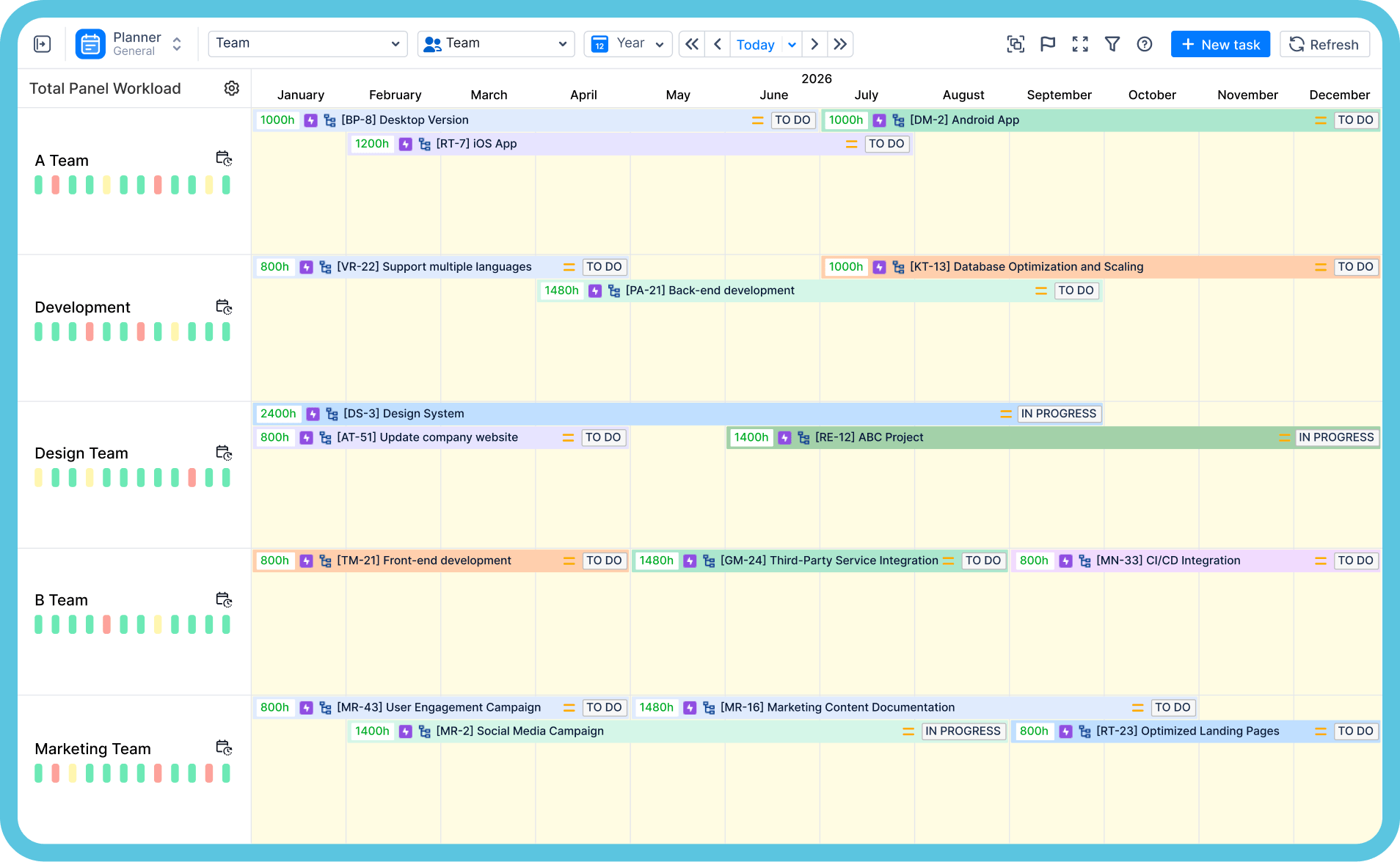
Le planificateur affiche les personnes et les équipes sur une chronologie avec leurs tâches Jira. Les indicateurs de charge de travail comparent le travail planifié à la disponibilité réelle de chaque personne — en tenant compte des congés, des arrêts maladie et des horaires personnalisés — et signalent les surcharges ou sous-charges hebdomadaires, vous permettant de rééquilibrer avant de vous engager. C'est ce qu'illustre le graphique de capacité d'équipe ci-dessus : la charge de chaque projet par rapport à la capacité totale, semaine par semaine.
Est-ce compatible avec Jira Data Center ?
Oui, ActivityTimeline prend en charge Jira Cloud et Jira Data Center, et propose des services professionnels pour les migrations entre ces deux environnements.
En quoi ActivityTimeline diffère-t-il de Tempo ?
Il s'agit principalement d'une question de packaging et de périmètre : Tempo vend ses feuilles de temps, sa planification de capacité et sa gestion financière sous forme d'applications payantes distinctes, tandis qu'ActivityTimeline regroupe la planification, le suivi du temps et les aspects financiers dans une seule application avec une licence unique. Si vous cherchez à consolider votre stack de plugins, c'est le point de comparaison à étudier — nous l'analyserons en fonction de vos besoins lors de la démonstration.
Que se passe-t-il lors de la démonstration ?
Vingt-cinq minutes avec un expert produit pour passer en revue des scénarios basés sur votre propre instance Jira : structure de projet, composition des équipes et besoins en reporting. Vous saurez immédiatement si la solution vous convient, sans présentation commerciale ni engagement. Vous préférez explorer par vous-même ? Profitez d'un essai gratuit de 30 jours sur l'Atlassian Marketplace, aucune carte bancaire n'est requise.
Commencez gratuitement dès maintenant. Vos projets vous en remercieront.
Commencez votre essai gratuit de 30 jours. Aucune carte de crédit n'est requise.