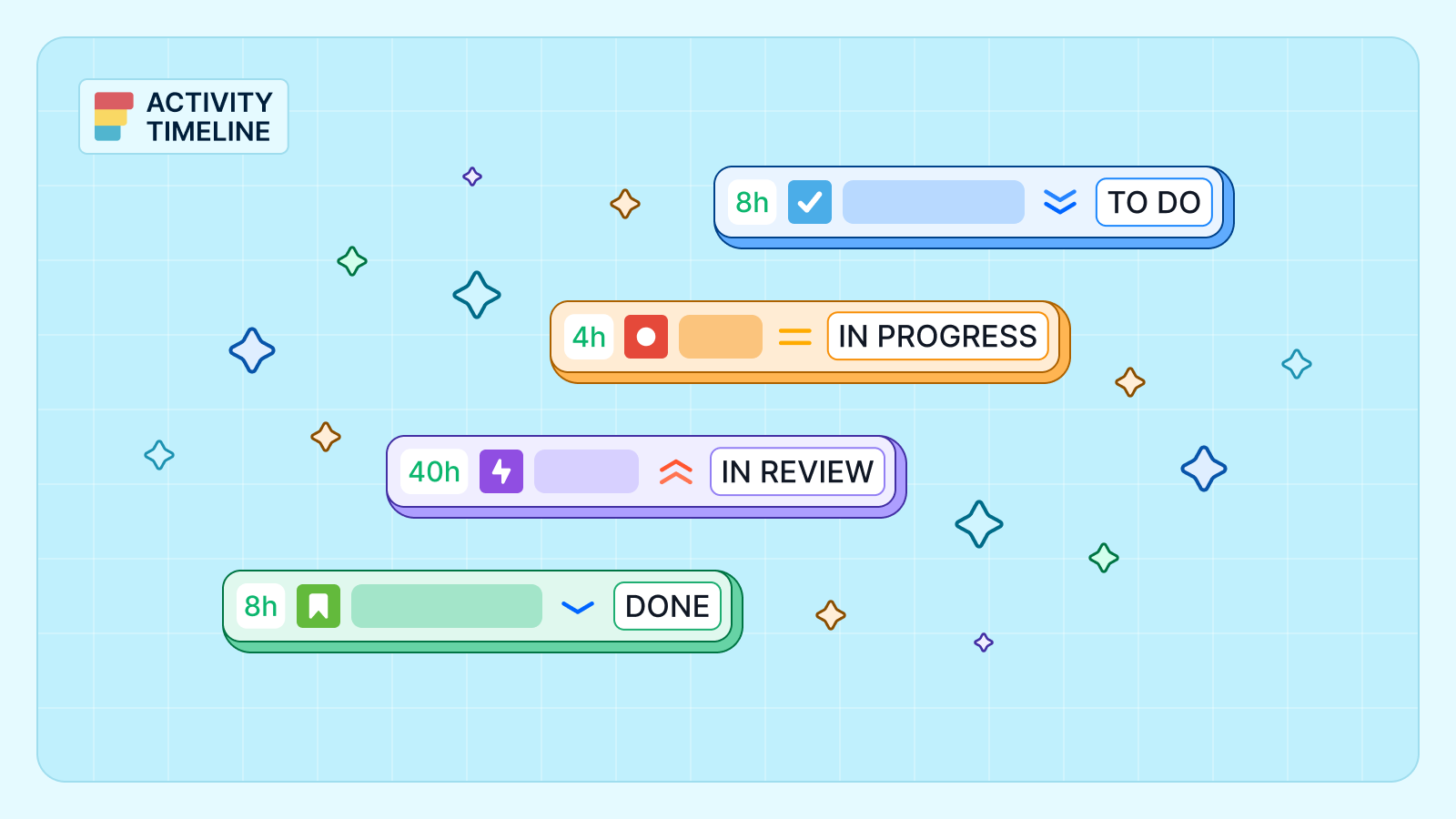
Set up a Kanban board in Jira step by step: columns, WIP limits, swimlanes, backlog and reports, with an example board and what Kanban can't show you.
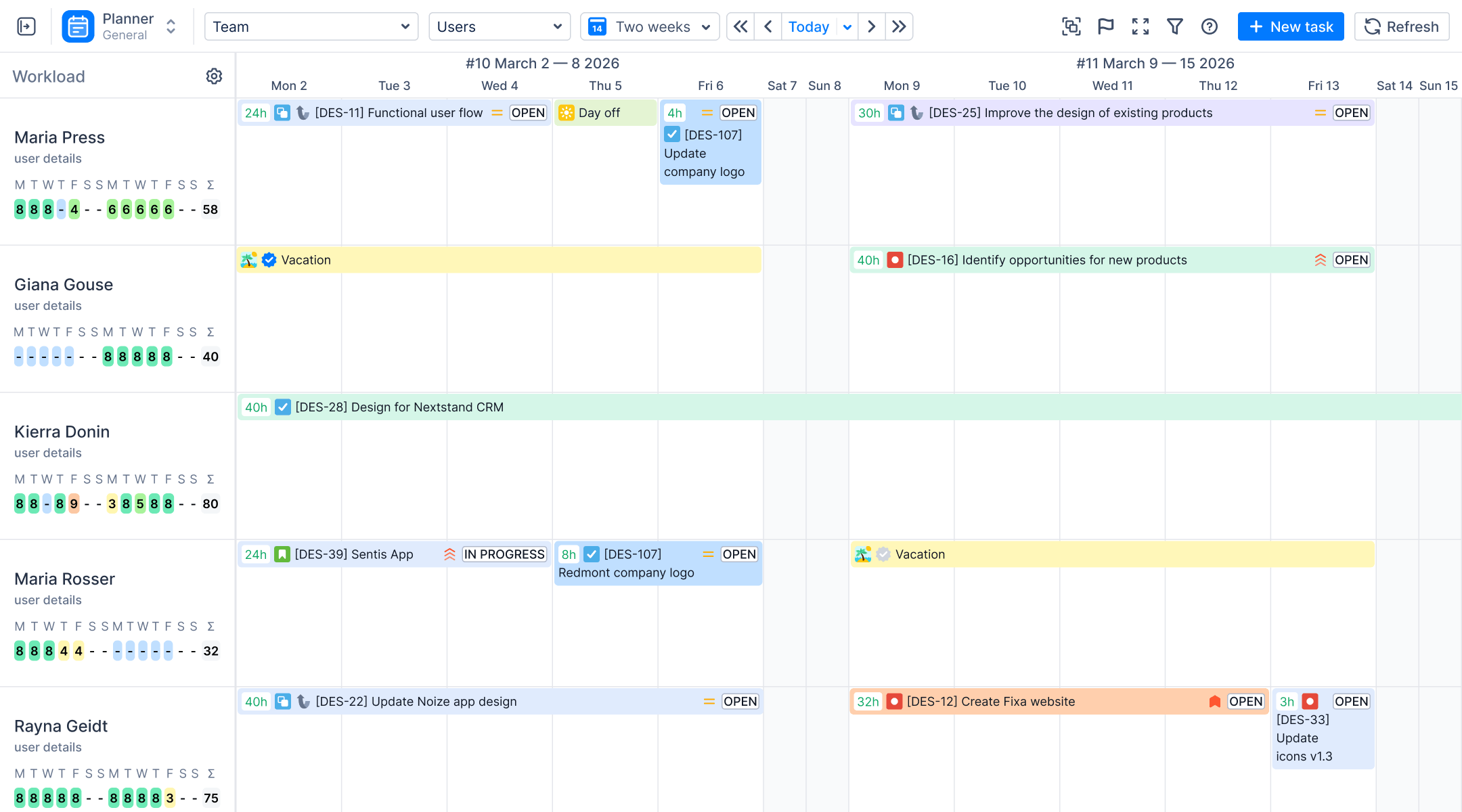
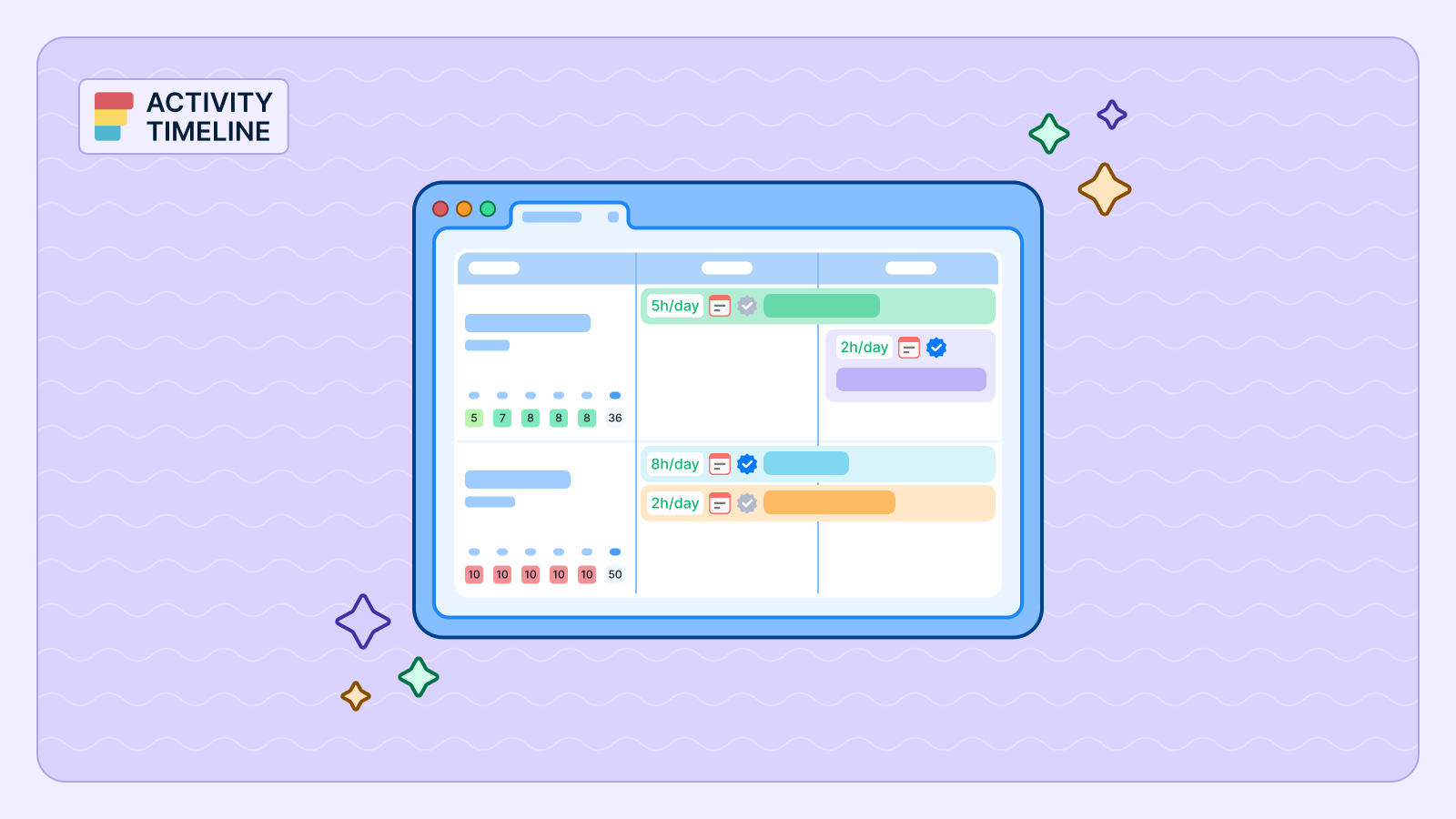
Sprint capacity planning in Jira shows who has time. This article shows where it goes and how to plan around them, using ActivityTimeline and Timepiece - Time in Status for Jira.
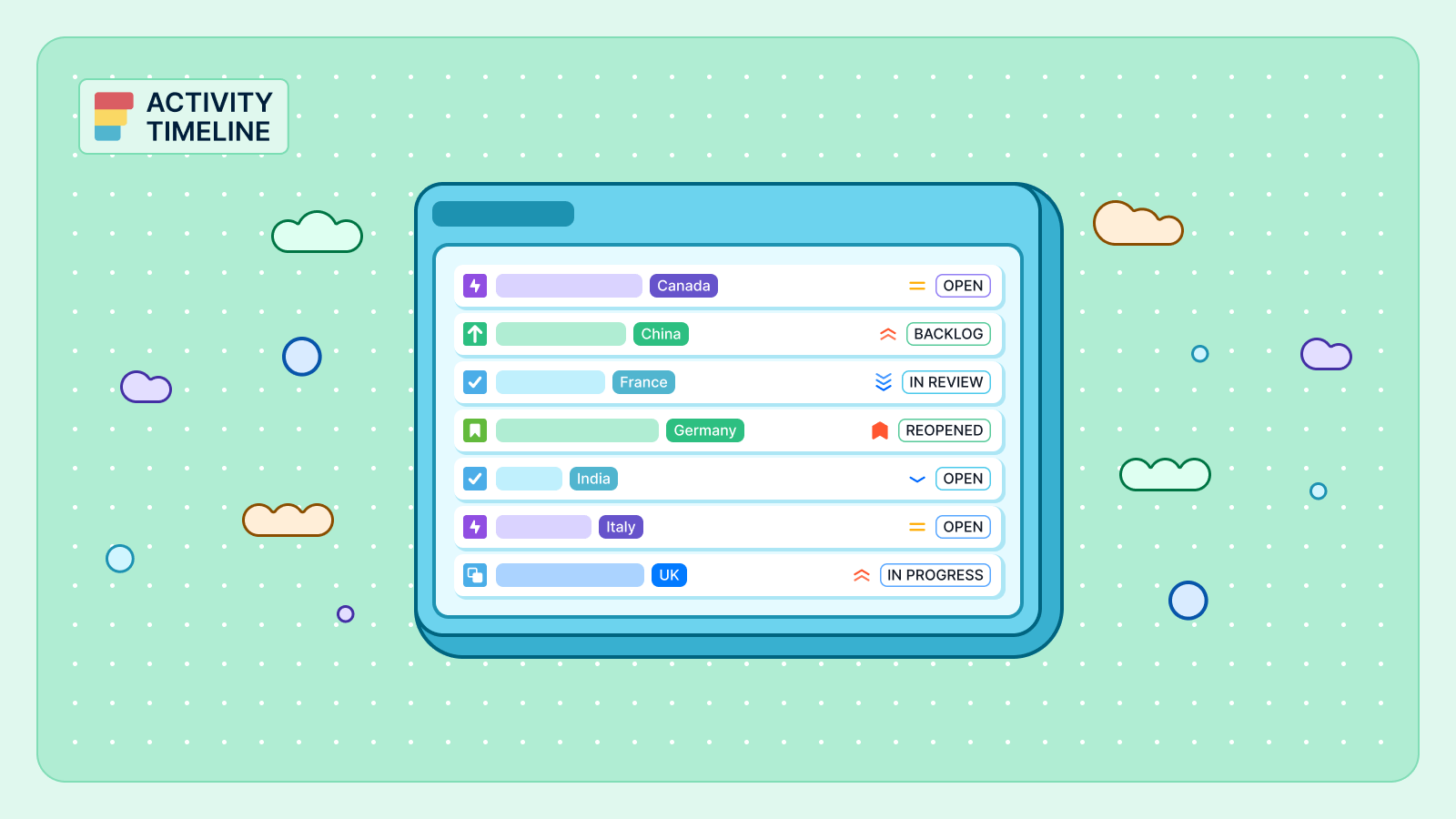
Bulk edit, move, transition or delete up to 1,000 Jira issues in one go. Current Cloud steps, what you can't bulk change, and how to set resolution.
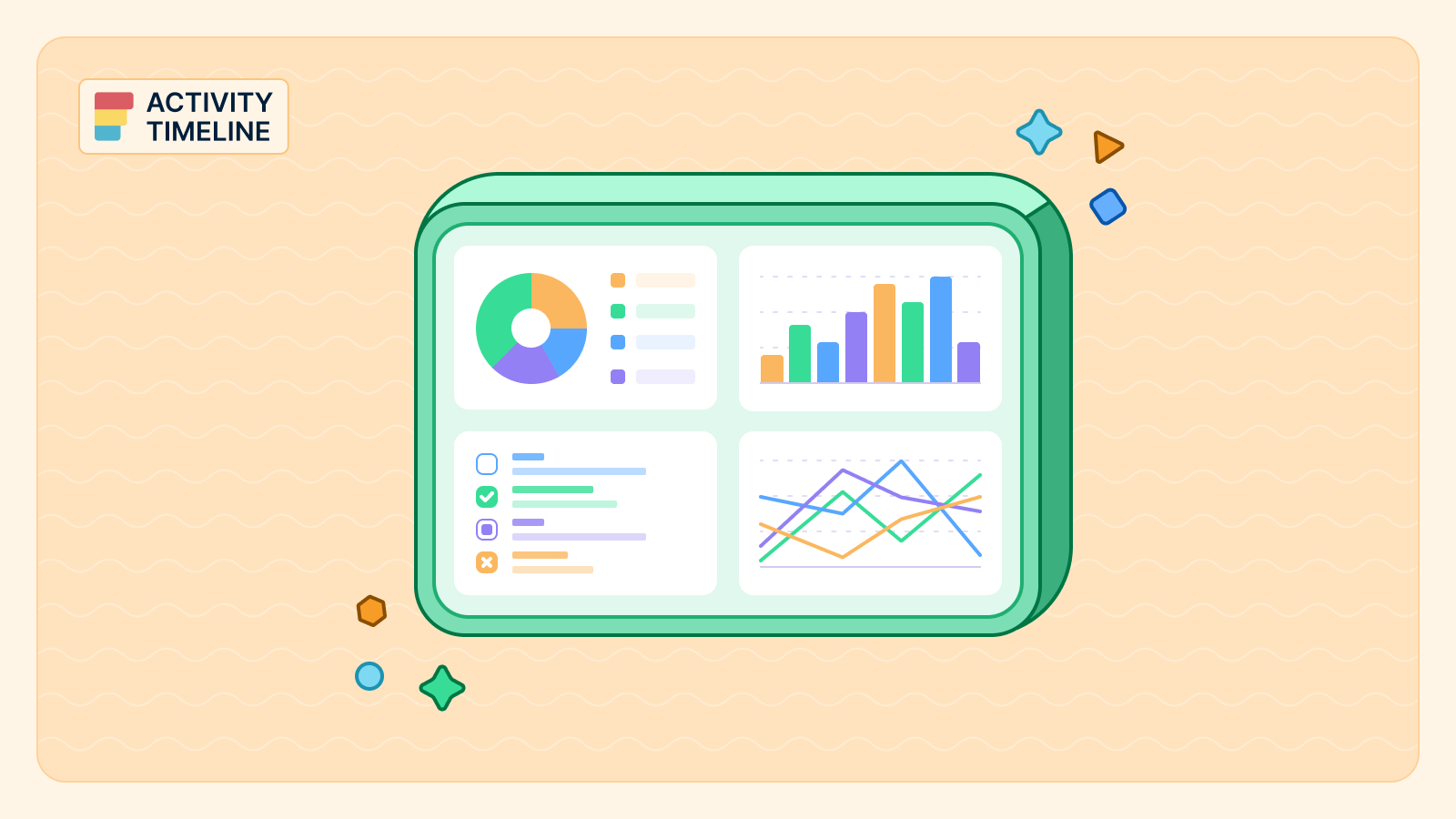
Jira Cloud has 29 built-in dashboard gadgets. The 12 worth adding, what each one answers, how to add and configure them, and what gadgets can't show.
ActivityTimeline’s Team Utilization Pie Chart provides a simple, powerful visual breakdown of your team's time allocation across different projects, epics, or even custom categories.
Jira can't approve timesheets on its own. How approval works with an app: who approves, statuses, locked periods, grace periods and bulk approval.
How the Jira timeline view works, what it will not show you, and how to build a timeline across several projects and teams without exporting anything.
Everhour is a time tracking and billing tool that lives inside the project management apps. Learn about its best alternatives for Jira users.
Harvest is a standalone time tracking, expense and invoicing product. Learn more about its alternatives that fit Jira users needs.
Learn how to effectively use Jira Swimlanes for better project organization and team collaboration. Dive into practical tips and strategies—read more!
The post compares Clockify with ActivityTimeline's Advanced Edition capability by capability; the entries below cover the other options and who each one suits.
Clockwork is HeroCoders' time tracking app that integrates seamlessly with Jira to make it easy to track time inside existing issue workflows.
Jira logs time per issue but has no timesheet. What native Jira gives you (Time Tracking Report, JQL), where it stops, and how to get real timesheets.
Learn to effectively use story points in Jira to enhance your Agile team's productivity. Discover practical tips and strategies in our guide. Read more!
Learn how ActivityTimeline connects project tasks with actual costs right away and supports more effective financial management across projects.
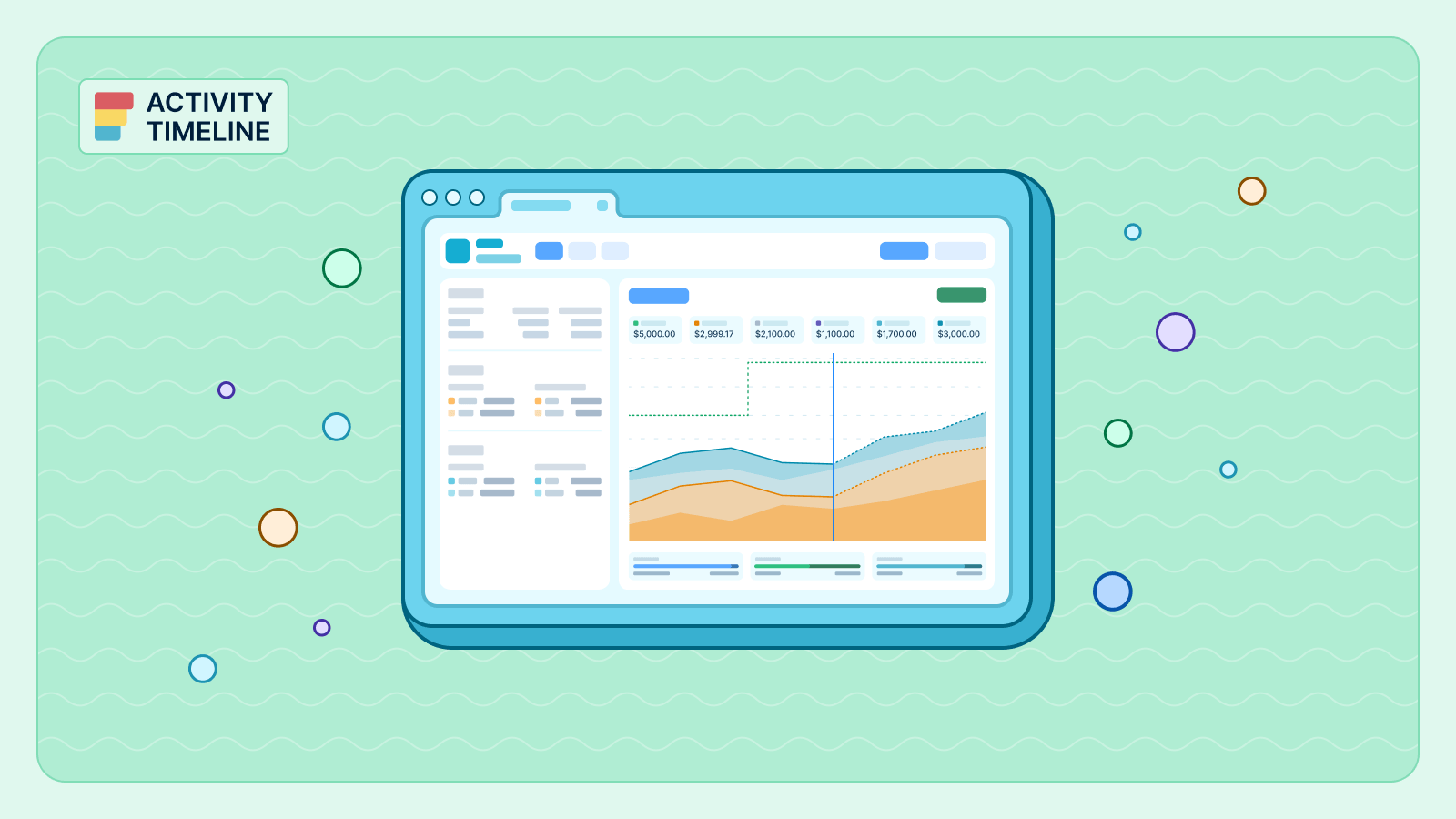
Native Jira is built for task tracking, not financial reporting. ActivityTimeline's Finances module turns the time your team logs into financial intelligence.
Teams that rely on Jira alone for cost tracking are working with an incomplete picture. Read how ActivityTimeline’s Finances module fixes that.
ActivityTimeline’s Finances module gives the financial clarity project managers and finance leads need to make informed decisions.
This guide covers the best Jira reporting plugins available through the Atlassian Marketplace, what each one does best, and how to choose the right tool.
Move from basic Jira planning to a full-featured resource management system, and where ActivityTimeline fits in to fill the gaps that Jira leaves open.
Learn the methods for building a Jira time tracking report from basic data extraction to advanced strategic oversight with ActivityTimeline.
Capacity planning answers whether it can be done. So, to move beyond this, teams need something Jira does not natively provide: a real-time model of capacity.
Learn how to color-code Jira issues on your planning calendar based on Priority, Status, and other key fields using ActivityTimeline.
We look at five apps from the Atlassian Marketplace that turn Jira into a powerful reporting engine.
Explore the specific methods to create, visualize, and validate a high-level plan directly within your Jira environment.
Аind a detailed guide on Jira group by functionality, outlining its purpose, main features, and practical solutions for grouping data in Jira and ActivityTimeline.
Learn how to configure, manage, and leverage worklog attributes to transform your time-tracking data into actionable business intelligence.
Explore tools for visual representation of your project, showing its breakdown from beginning to completion, covering all tasks and milestones, with deadlines assigned to each task.
Discover how ActivityTimeline visualizes dependencies by tracking "blocks" and "blocked by" links directly from Jira and monitors where those tasks are placed on the calendar.
Explore why traditional planning methods in Jira often fall short and how modern tools can bridge the gap.
ActivityTimeline is the workload roadmapping tool that bridges the gap between high-level strategic goals and daily resource allocation.
Find out how Jira placeholders with ActivityTimeline improve planning. Master what-if scenarios, workload visibility and keep all data clean.
Jira epics are crucial in streamlining workflows and enhancing collaboration within teams. In this article, we'll delve into the common issues users face in Jira, specifically focusing on creating and tracking epics.
Understand differences between capex vs opex in IT projects and use granular time tracking tools to maximize capitalization opportunities.
ActivityTimeline does the one thing Jira isn’t built to do out of the box: turn scattered estimates, worklogs, calendars, and story points into decision-grade metrics.
ActivityTimeline timeline report is a powerful visual tool for tracking historical time entries that makes it easy to spot over- or under-logging at a glance.
ActivityTimeline’s Person and Team Availability Report features solve this by providing instant, data-driven insights into individual and team capacity.
ActivityTimeline, a powerful resource planning app, gives teams two distinct ways to approach this: Balance Mode and Liquid Mode.
Gain predictive capability with ActivityTimeline’s Resource Utilization Forecast Report, empowering you to optimize your workforce before bottlenecks even form.
ActivityTimeline delivers this crucial capability with its powerful Planned vs. Actual Report, transforming opaque project performance into crystal-clear insights.
No more pulling data from disparate sources and wrestling with spreadsheets. Exporting personal worklogs in ActivityTimeline offers a straightforward solution to a common business need.
Workload and capacity concepts are often confused but serve distinctly different purposes in organizational planning. Learn how you can find your sweet spot using both with ActivityTimeline.
Discover how to conduct a skill gap analysis for effective workforce planning. Enhance team performance and align skills with business goals. Read more!
A well-crafted project resource management plan aligns human resources, financial resources, and operational capacity. But before you can build a great plan, you need to know what not to do.
Struggling with multiple projects? Discover practical tips for effective coordination and boost your productivity. Read the article for actionable insights!
Master the art of progress reporting with our essential guide. Learn effective strategies to communicate progress clearly. Read the article now!
Discover how to enhance productivity with top Jira timer app for precise time tracking. Streamline your workflow and boost efficiency—read the article now!
ActivityTimeline has officially achieved SOC 2 Type II certification. We continue meeting the highest standards of data protection and integrity for our users.
Discover practical tips for crafting effective project management reports that enhance clarity and communication. Read the article for actionable insights!
The dark theme has become increasingly popular in recent years. With the widespread availability of night mode on digital devices and the ability to customize the look and feel of digital environments, users are taking advantage of the opportunity to switch their color palette from light to dark.